
Dynamic PHP apps default to URLs like /article.php?id=482&cat=7. That format leaks database structure, ignores human readability, and wastes the keyword slot that search engines weight most heavily in a URL. Here is how to fix it — from a slug function to Apache rewrite rules to framework helpers.
What a URL Change Actually Buys You

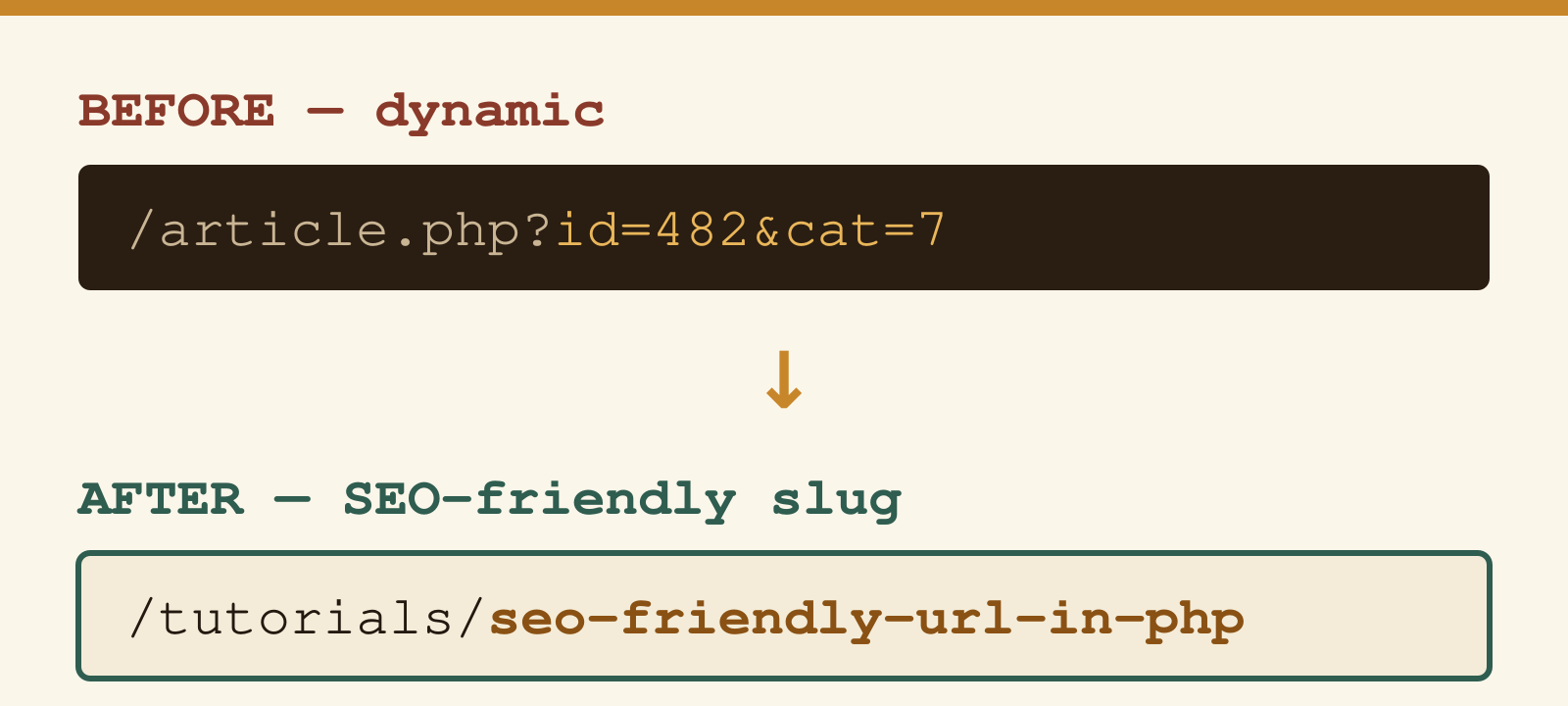
Before touching code, it helps to know what you are optimising for. The table below shows a realistic before/after for the same article:
| Before (dynamic) | After (SEO-friendly slug) | Improvement |
|---|---|---|
/article.php?id=482&cat=7 | /tutorials/seo-friendly-url-in-php | Keyword in URL; readable in search snippets |
/page.php?type=product&ref=DG-44 | /products/dg-44-widget | Describes content; no internal architecture exposed |
/results.php?q=php+url+rewrite&page=3 | /search/php-url-rewrite/3 | Shareable; crawlable if desired |
/en/blog.php?year=2022&id=19 | /en/blog/clean-url-routing | Date-independent; evergreen |
The Google Search documentation on URL structure explicitly recommends using words rather than IDs in URLs and keeping the structure as simple as possible.
What Makes a URL SEO-Friendly?
- Readable words — use the page title or primary keyword, not database IDs
- Hyphens as word separators — Google treats hyphens as word boundaries; underscores are not recommended (confirmed in Google’s documentation)
- Lowercase throughout — mixed-case can create duplicate-content issues if your server is case-sensitive
- Short and focused — remove stop words where the meaning is preserved without them
- No special characters — strip accents, symbols, and non-ASCII characters
- Logical hierarchy —
/category/post-titlecommunicates structure to crawlers and users
Creating a Slug Function in PHP
The core of every clean-URL system is a function that converts arbitrary text into a URL-safe slug. This one handles accented characters (French, German, Spanish and others), strips HTML entities, and produces a consistently lowercase, hyphen-separated result:
function createSlug(string $string): string {
    // Remove content inside brackets
    $string = preg_replace('/\[.*\]/U', '', $string);

    // Decode HTML entities
    $string = html_entity_decode($string, ENT_QUOTES, 'UTF-8');

    // Transliterate accented characters to ASCII
    if (function_exists('transliterator_transliterate')) {
        $string = transliterator_transliterate('Any-Latin; Latin-ASCII', $string);
    } else {
        $string = htmlentities($string, ENT_COMPAT, 'UTF-8');
        $string = preg_replace('/&([a-z])(acute|uml|circ|grave|ring|cedil|slash|tilde|caron|lig|quot|rsquo);/i', '$1', $string);
    }

    // Replace non-alphanumeric characters with hyphens
    $string = preg_replace('/[^a-z0-9]+/i', '-', $string);

    // Collapse duplicate hyphens and trim
    $string = preg_replace('/-+/', '-', $string);

    return strtolower(trim($string, '-'));
}
The function uses PHP’s Intl extension (transliterator_transliterate) when available, which handles a much wider character range than regex-based approaches. If the extension is missing, it falls back to HTML entity decomposition.
Usage Examples
echo createSlug("10 Tips for Better SEO");
// Output: 10-tips-for-better-seo

echo createSlug("Guantánamo: le chauffeur de Ben Laden");
// Output: guantanamo-le-chauffeur-de-ben-laden

echo createSlug("Ärger mit Ölförderung — ein Überblick");
// Output: arger-mit-olforderung-ein-uberblick
You can debug and test your own regex patterns — including the ones used in this function — with the URL Encoder/Decoder tool, which also shows how special characters are percent-encoded in real URLs.
Configuring .htaccess for URL Rewriting
The slug function generates clean strings, but Apache needs a rewrite rule to route those clean URLs to your PHP scripts. Add this to your .htaccess file in the site root:
RewriteEngine On
RewriteBase /

# Skip existing files and directories
RewriteCond %{REQUEST_FILENAME} !-f
RewriteCond %{REQUEST_FILENAME} !-d

# Route /category/slug to index.php
RewriteRule ^([a-z0-9-]+)/([a-z0-9-]+)/?$ index.php?category=$1&slug=$2 [L,QSA]

# Route /slug to index.php
RewriteRule ^([a-z0-9-]+)/?$ index.php?slug=$1 [L,QSA]
This requires Apache mod_rewrite to be enabled. On most shared hosting it is active by default. On Ubuntu/Debian servers: sudo a2enmod rewrite followed by a service restart.
In your index.php, retrieve the slug and query the database with a prepared statement:
$slug = $_GET['slug'] ?? '';

// Always use prepared statements — never interpolate user input into SQL
$stmt = $pdo->prepare("SELECT * FROM articles WHERE slug = :slug AND status = 'published'");
$stmt->execute(['slug' => $slug]);
$article = $stmt->fetch();
Storing Slugs in the Database
Generate the slug when an article is created and store it in a dedicated column with a unique index:
ALTER TABLE articles ADD COLUMN slug VARCHAR(255) NOT NULL;
CREATE UNIQUE INDEX idx_slug ON articles(slug);
To avoid collisions when two articles produce the same base slug, use a counter loop:
function generateUniqueSlug(PDO $pdo, string $title, string $table = 'articles'): string {
    $slug = createSlug($title);
    $original = $slug;
    $counter = 1;

    $stmt = $pdo->prepare("SELECT COUNT(*) FROM {$table} WHERE slug = :slug");

    while (true) {
        $stmt->execute(['slug' => $slug]);
        if ($stmt->fetchColumn() == 0) break;
        $slug = $original . '-' . ++$counter;
    }

    return $slug;
}
SEO-Friendly URLs in Modern PHP Frameworks
If you are using a framework, slug generation and routing are already built in:
Laravel
use Illuminate\Support\Str;

$slug = Str::slug('SEO Friendly URL in PHP');
// Output: seo-friendly-url-in-php

// Route definition
Route::get('/blog/{slug}', [ArticleController::class, 'show']);
Symfony
use Symfony\Component\String\Slugger\AsciiSlugger;

$slugger = new AsciiSlugger();
$slug = $slugger->slug('Guantánamo: le chauffeur de Ben Laden');
// Output: Guantanamo-le-chauffeur-de-Ben-Laden
WordPress
WordPress handles slugs automatically. Go to Settings → Permalinks and select the Post name option (/%postname%/). WordPress generates slugs from post titles and manages duplicates. No custom code needed.
Best Practices Checklist
- Keep URLs under 75 characters — shorter URLs display fully in search result snippets without truncation
- Place the primary keyword early in the path — the leftmost words carry more weight in most ranking systems
- Avoid date segments in content URLs —
/2022/04/my-postmakes content look outdated;/blog/my-postis evergreen - Use 301 redirects when changing URLs — old URLs that 404 lose their accumulated link equity permanently
- Implement
<link rel="canonical">if the same content is reachable via multiple URLs - Enforce HTTPS — Google uses HTTPS as a ranking signal; most hosts provide free certificates via Let’s Encrypt
- Avoid URL parameters for navigational pages — use path segments (
/blog/page/2) rather than query strings (?page=2) where possible
Frequently Asked Questions
Do hyphens or underscores perform better in URLs?
Hyphens. Google’s John Mueller confirmed in a webmaster hangout that Google treats hyphens as word separators in URLs, while underscores cause words to be read as a single token. /seo-friendly-url is seen as three words; /seo_friendly_url is treated as one string. The Google Search documentation on URL structure recommends hyphens.
Should I include the category in the URL slug?
It depends on your architecture. Including a category (/tutorials/seo-friendly-url-in-php) communicates hierarchy to crawlers and users, but makes URLs harder to maintain if you ever reclassify content — a URL change requires a 301 redirect. Flat slugs (/seo-friendly-url-in-php) are more flexible. WordPress defaults to flat slugs for posts for exactly this reason.
What happens to my SEO if I change existing URLs?
Old links and cached results will fail if you do not add 301 redirects. A 301 passes roughly the same link equity to the new URL as the old one had, and Google will re-index the new URL within days to weeks depending on crawl frequency. Never leave old URLs returning 404 — that discards the equity and breaks any inbound links.
Does mod_rewrite work on Nginx?
No. mod_rewrite is an Apache module. On Nginx, the equivalent is a try_files directive or a rewrite block in the server configuration. The PHP slug-generation code is identical regardless of web server; only the server-side routing configuration differs.
Is it worth migrating URLs on an established site?
Only if the current URLs are actively hurting you — for example, if they expose session tokens, change with every request, or are duplicated by multiple parameter combinations. For a stable site with decent rankings, the risk of a URL migration (redirect chain errors, temporary ranking dips, broken external links) often outweighs the benefit of cleaner URLs on pages that are already indexed and ranking.